Riff: I built a writing plugin for Claude


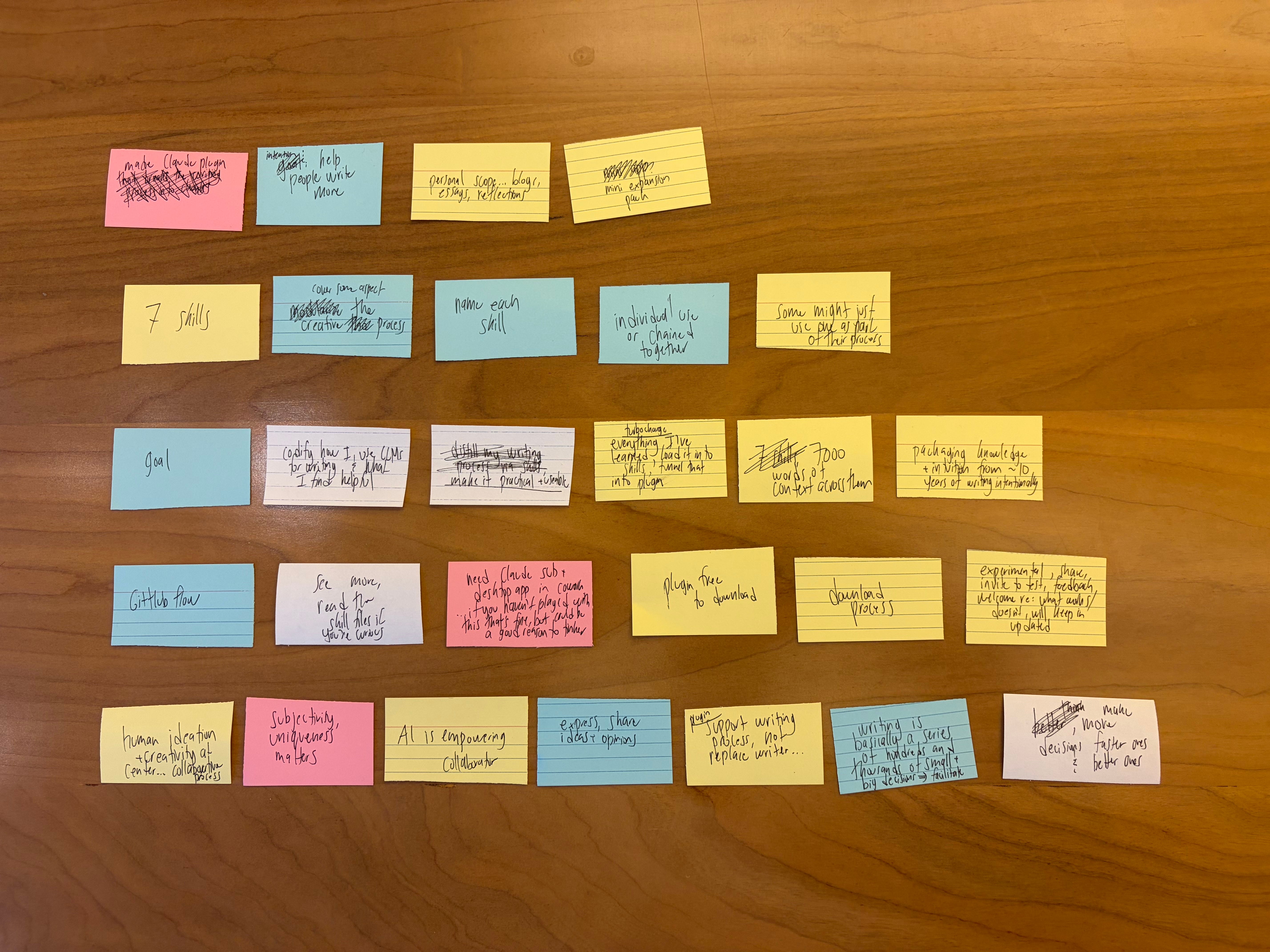
Over the past month, I built a plugin for Claude to help with the process of writing essays. It’s called Riff, and it’s now on version 2.4.8. For folks who are unfamiliar, plugins are basically mini expansion packs that can be used across Anthropic’s different products to help Claude do specific tasks, and in this case, my plugin contains almost everything I know about writing, framed specifically to make writing with an LLM more intuitive through different steps.
I’ve been obsessed with making a tool like this because I think writing with AI can be empowering if done correctly, but most people struggle to use it well because they treat writing as a product to be created instead of a process to be supported. I don’t think good writing can be generated with a few prompts (even with the best models today) because it takes time and original thinking to write anything worth reading. That said, while AI systems can’t replace the squishy human inputs that illuminate good writing, they can meaningfully help with the writing process itself.
Riff specifically is built to be an extra layer of support for people who want to write essays, and the plugin is designed around two principles. The first is that the writer always leads. Every skill in the plugin presents outputs or options to help move the writing process along, then waits for the writer to decide what to implement. The second principle is that writing has different stages that each require different kinds of help, so each skill in here is built to focus intentionally on one phase of the writing process.
There are nine skills total. Most of them are designed to work together in a pipeline, though each one also works on its own if you just want help with something specific. I’ll walk through them quickly so you have a sense of what’s going on.
/sort takes unstructured material like notes, bullet points, or voice memos and distills it into a set of core points. It assesses the type of material you’re working with, consolidates overlapping ideas, and preserves your original language, phrasing, and references. Anything that doesn’t fit the main structure goes into a “junk drawer” so nothing important gets dropped.
/sequence takes sorted points and helps you figure out how to arrange them into an essay. Before proposing structures, it asks what your goals are with a piece of writing to clarify your intentions, then it proposes one to three structural options depending on what the material supports.
/compose writes a full personal essay from structured notes in your voice. The first time you use it, it asks for a writing sample so it can build a style profile that captures how you actually write. That profile is saved and reused across sessions. It also asks where the essay will be published and how long it should be (to calibrate tone and length).
/critique gives an honest assessment of a piece of writing. It opens with the single most important thing to fix, then works through remaining observations in descending order of severity. It evaluates originality, argument quality, fluff, tone, and vulnerability to criticism, focusing on the dimensions that are most relevant to your specific piece. It closes with three simulated social media reactions to show how the piece might land in public.
/revise takes a draft and a set of feedback and produces a stronger draft. It implements feedback point by point while preserving your voice and everything that was already working in the underlying essay. It can also recommend stepping back to use another skill if the piece isn’t ready for polishing yet.
/copyedit does a close read of a piece of writing to check for grammar issues, punctuation errors, and sentence rhythm. Each suggestion cites an existing section, states its proposed change to that section, and gives one sentence of reasoning for that change. It can implement whatever changes you like.
/title helps you find the right title for a piece of writing through analysis of the essay’s argument, imagery, and style. It generates title ideas across three categories: two words, three words, and longer (up to 10 words), then iterates based on what resonates with you.
/checkpoint lets you save, view, and restore versions of your essay as you work on it. You can browse saved versions anytime in the local folder that you’re working in, or restore an earlier draft if a revision went sideways.
/riff is for getting unstuck. Call on it at any point in the process and it’ll give you a quick, honest read on where things stand with a few practical observations and a nudge toward what to do next. The /riff skill also acts as a fallback when other skills aren’t triggered.
If you’d like to check out the plugin, experiment with it, or just learn more about what’s happening under the hood with the +9000 words of context across these skill files, then take a look at the project repo on GitHub here. It’s free and MIT licensed, and the README file there has installation instructions. If you find it useful, you can help me out by starring the repo as well. It helps more people find it. Also, if you use AI agents beyond Claude, the plugin is available on skills.sh here.
Riff is experimental. I update it often for my own use, so if something doesn’t work or if you have ideas for how to improve it, please feel free to hit me up. All feedback is welcome. If you download this locally for use in Claude Cowork, you can also edit each skill file individually to bend it in the direction of what works best for you, so really my version is just a starting point. No matter how you use this, I hope it makes your writing process a little easier and a little more a fun. Now go write something.
Thank you for reading my writing. I really appreciate your time and attention. If you’d like to to get future essays in your inbox you can subscribe (for free) below.